Back to dashboard 
Braindump on your phone
Record and transcribe on the move - no laptop, no upload step.

Braindump works on your phone too
Your plan is already active in the app. It takes about a minute to set up - no password needed.
- Get the Braindump app on the phone you actually carry.
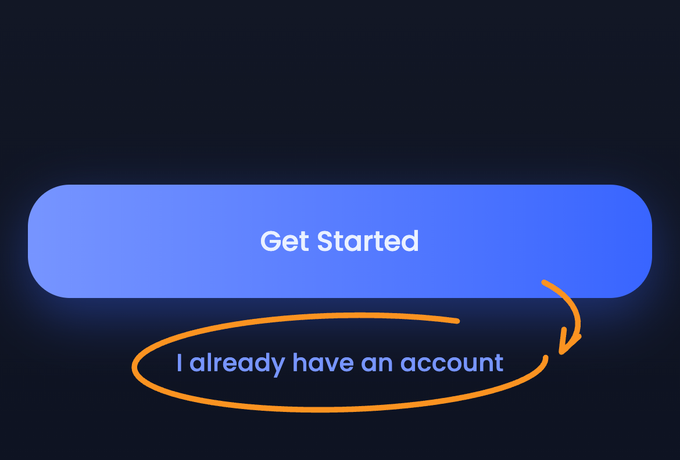
- Open it and tap I already have an account - the small line under Get Started on the first screen. Not the normal sign-up.
- Sign in with the same email you use on the web. Pro switches on the moment you enter it.
Heads up: notes you record in the app stay on your phone for now - they will not appear here, and uploads here will not appear there.